Quick log for daily use
Enter a glucose value in seconds. The app supports mmol/L and mg/dL, and stores values internally in mmol/L for consistent calculations.
Glucose diary inside GlycoDiet
The GlycoDiet glucose diary helps you manually log blood glucose readings in mmol/L or mg/dL, add meal and lifestyle context, review Time in Range, and export an AGP-style PDF report for healthcare conversations.
GlycoDiet is not a medical device and does not provide diagnosis, treatment decisions or emergency guidance.
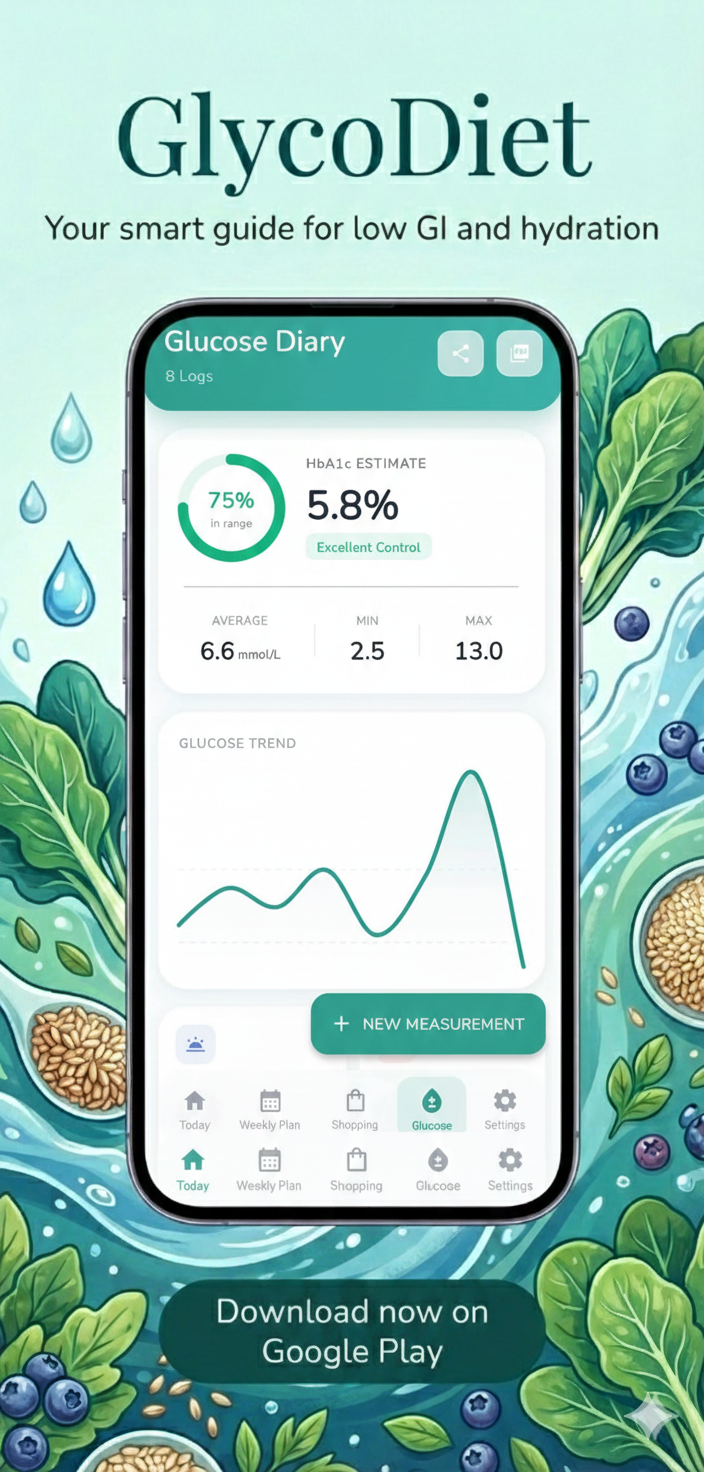
Glucose records in one place Keep personal glucose notes organized alongside meal planning.
Glucose diary
GlycoDiet lets users record glucose readings quickly, add meal and lifestyle context when needed, and review patterns over time. It is built for personal tracking and better preparation for healthcare conversations, not for diagnosis or treatment decisions.
Enter a glucose value in seconds. The app supports mmol/L and mg/dL, and stores values internally in mmol/L for consistent calculations.
Add date, time, fasting or meal timing, carbs, activity, mood, sickness, medication notes and general notes. Insulin fields appear when insulin tracking is enabled.
Filter readings by 24 hours, 7, 14, 30, 90 days or all entries. Review average, min, max, Time in Range, trend charts, post-meal patterns, AGP profile and heatmap when enough data is available.
GlycoDiet does not replace medical care. Glucose readings, calculated indicators and PDF reports should be reviewed with a qualified healthcare professional.
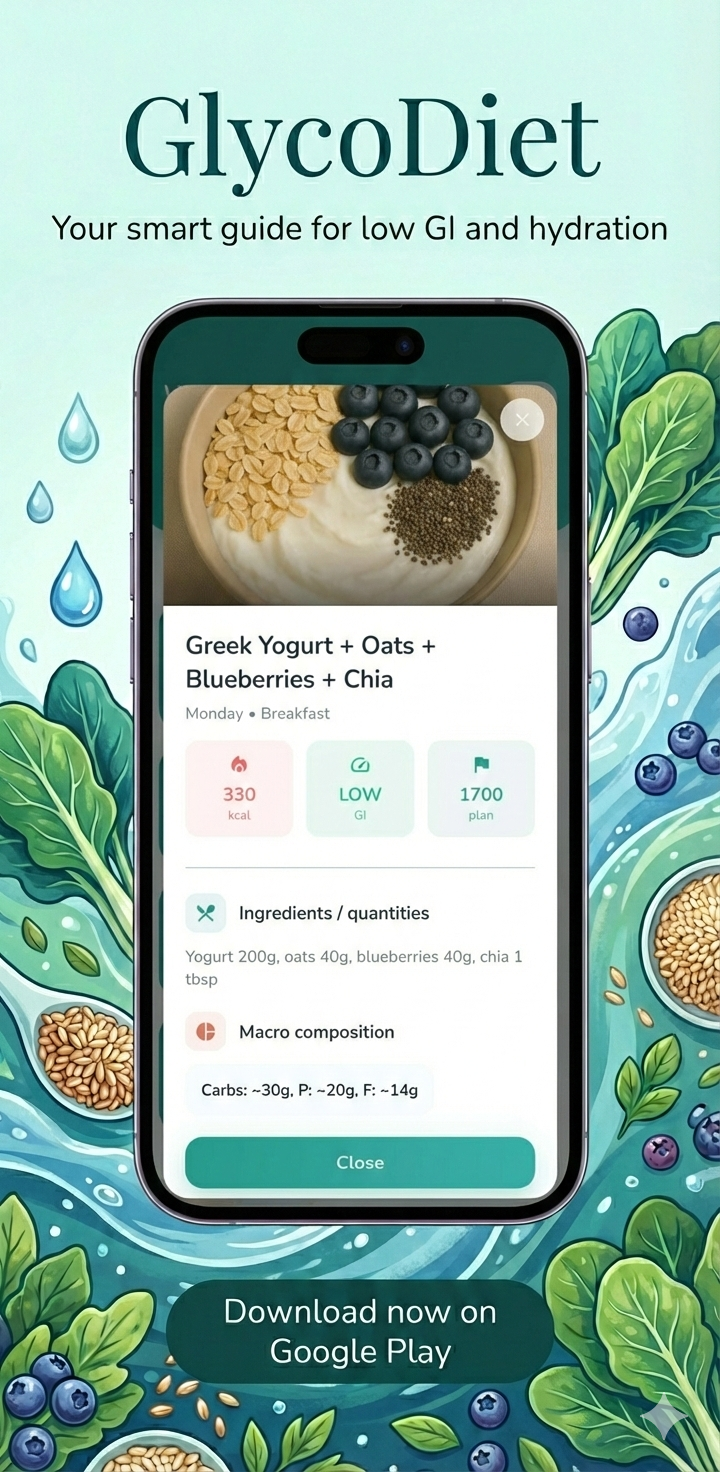
Insights and reports
After readings are logged, GlycoDiet summarizes the selected period with practical indicators, visual charts and an exportable PDF report.
The app also supports min, max, average, standard deviation, hypo and hyper counts for the selected diary period.
When enough readings are available, GlycoDiet can highlight changes in Time in Range, post-meal differences, morning patterns, weekend patterns and glucose variability.
The diary includes an AGP-style profile using hourly percentiles, plus a weekly heatmap when enough glucose readings are logged.
Daily bars separate readings into below range, in range and above range, helping users see whether certain days are more stable than others.
Users can share or print a PDF report with the selected date range, key metrics, Time in Range distribution, summary table and detailed reading list.
The report is educational and should be reviewed with a qualified healthcare professional before making any medical or therapy changes.
Meal context
A glucose number is more useful when it has context. GlycoDiet lets users connect readings with meal timing, carbohydrate notes, activity, medication notes and personal observations.
Readings can be tagged as fasting, before breakfast, after breakfast, before lunch, after lunch, before dinner, after dinner, bedtime, night or random.
Detailed logging includes grams of carbohydrates, helping users review how different meals may relate to later glucose readings.
Users can add activity level, mood, sickness status, medication notes and free-text notes to keep a fuller record of the day.
When enough after-meal readings are logged, GlycoDiet can compare post-breakfast, post-lunch and post-dinner averages.
Glucose diary FAQ
Here are the most common questions about the glucose diary, reports, units and responsible use.
Yes. GlycoDiet includes a glucose diary where users can manually log blood glucose readings, choose the date and time, and tag readings as fasting, before meals, after meals, bedtime, night or random.
Yes. Users can choose mmol/L or mg/dL in settings. The app displays readings in the selected unit and keeps calculations consistent internally.
Yes. Detailed logging allows users to add carbohydrate grams, activity level, mood, sickness status, medication notes and general notes. Insulin fields are shown when insulin tracking is enabled.
The app can show readings count, average, minimum, maximum, Time in Range, Time Below Range, Time Above Range, GMI, estimated A1c, glucose variability, trend charts, post-meal comparison, AGP-style profile and heatmap when enough data is available.
Yes. GlycoDiet can create an AGP-style PDF report for the selected period. Users can share or print the report from the glucose diary screen.
No. In the current app version, glucose readings are entered manually. This keeps the diary simple and usable without connecting an external device.
No. GlycoDiet is for educational meal planning and personal tracking. It does not diagnose, treat, cure or prevent disease, and it should not be used to change medication, insulin doses or medical treatment without a qualified healthcare professional.
Time in Range and glucose targets can differ from person to person. A qualified healthcare professional can help determine the right targets for each individual.
Start with better context
Download GlycoDiet on Google Play and use the glucose diary together with Mediterranean meal plans, a calorie calculator and a saved shopping list.
Build the full routine around planning, shopping and tracking.